

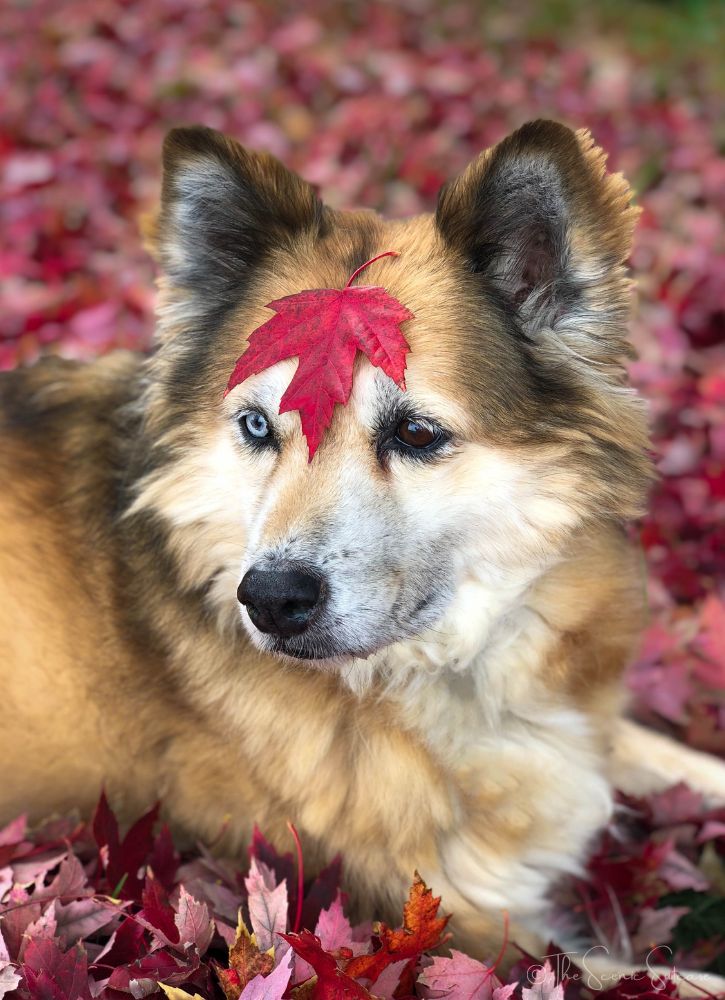
They say the best camera is the one you have with you. And, for many of us, the camera that’s with us most often is our mobile phone. Whether you come across a stunning landscape, an awe-inspiring architectural feat, or an impressive pile of crimson leaves just begging for a photo shoot, it’s nice to have a convenient way to capture the moment.
So, in order to make the most of the camera already in your pocket, I thought I’d share a few mobile photography tips that have helped me over the years.
1. CLEAN YOUR LENS
One of the most obvious tips, it’s also one of the most essential in taking good photos with your phone. It’s extremely easy for your lens to get smudged with everything from fingerprints to food. And, without wiping it clean, your photos will turn out blurry and hard to see. So, before every shot, get in the habit of wiping your lens with a sleeve or cloth.
2. HOLD STEADY
Photographers don’t just use a tripod because it makes us look super cool. No, we use them because it’s important to hold the camera steady to achieve a clear shot. The same can be said for mobile photography. Before you take a photo, make sure to steady yourself or, better yet, use a mobile tripod! It’s especially important when taking photos in low light to avoid blur and shake.
3. CROP, DON’T ZOOM
This is actually a tip I learned from National Geographic photographer Nick Cobbing. When you manually zoom in and out before taking a picture, the camera is actually just trying to crop on the fly (which results in grainy images). Instead, use your camera’s standard lens and crop later in editing for a sharper image.
4. USE AVAILABLE FEATURES
Mobile cameras these days come with a myriad of different features. So, don’t be afraid to use them! Portrait Mode is a great option for adding bokeh (a soft background) to your shots. And, you can even change the lighting conditions in Portrait mode! I love the new Stage Light option on iPhones, which gives your subject an artistic black or white background.
Feel free to get up close and personal too. Mobile cameras can be great for macro photography!

5. DON’T FORGET TO EDIT
The pictures that mobile cameras produce these days are pretty amazing. But, that doesn’t mean they couldn’t use a tweak or two. So, take a few minutes to edit your shots. Your phone will have some editing capabilities, but certain photography apps have additional features. Here are a few of my personal favorites (with before and afters to show you just what they can do):
SNAPSEED
This is my go-to for mobile photography editing. With it, you can crop, straighten, add filters, and designate edits in a specific area using the brush tool. Plus, you can adjust lighting, contrast, saturation, warmth, clarity, and shadows. Basically, anything and everything you can think of.
In the example below, you can see how I exaggerate the edits to make this shot of a castle in Ireland almost appear like a sketch (I tend to prefer more true-to-life edits, but this gives you an idea of just what the app can do).


TOUCH RETOUCH
This app is fantastic for getting rid of power lines, road cones, and photobombers that would otherwise ruin your shot.
In the example below, you can see how I used it to remove an aerial tram from this shot of the Blue Mountains in Australia (admittedly, I like the tram in the photo, but it’s a great illustration of just how amazing this app is).


PRISMA
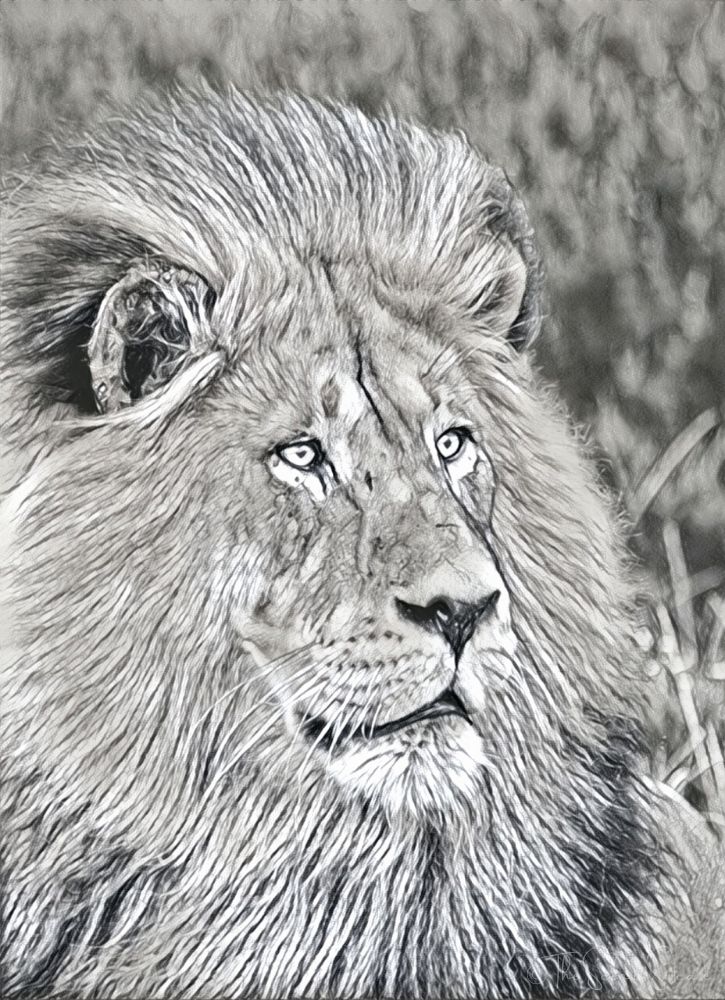
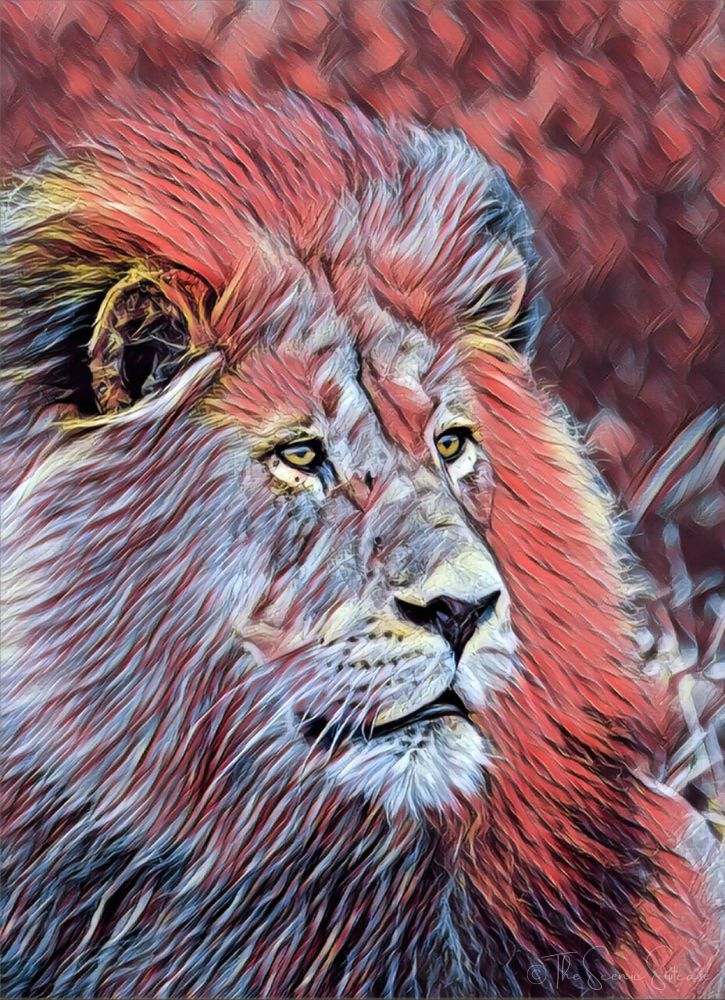
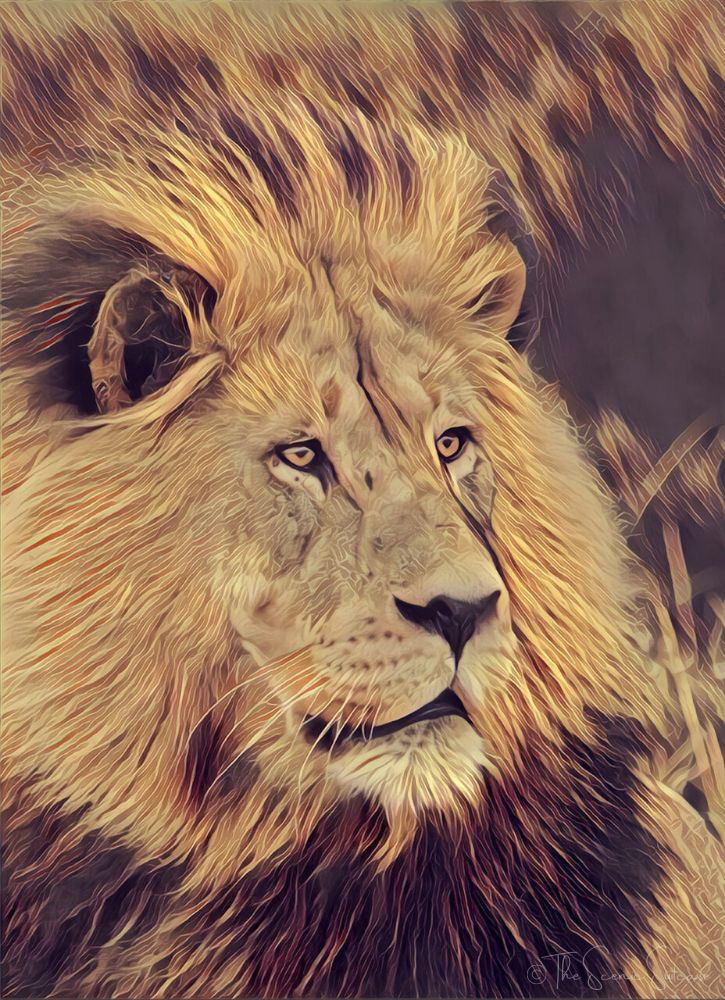
If you’re feeling arty, check out the Prisma app! It allows you to apply filters to your images so they take on a life of their own. You can make a photo look like a stained glass window, sketch, cartoon, you name it!
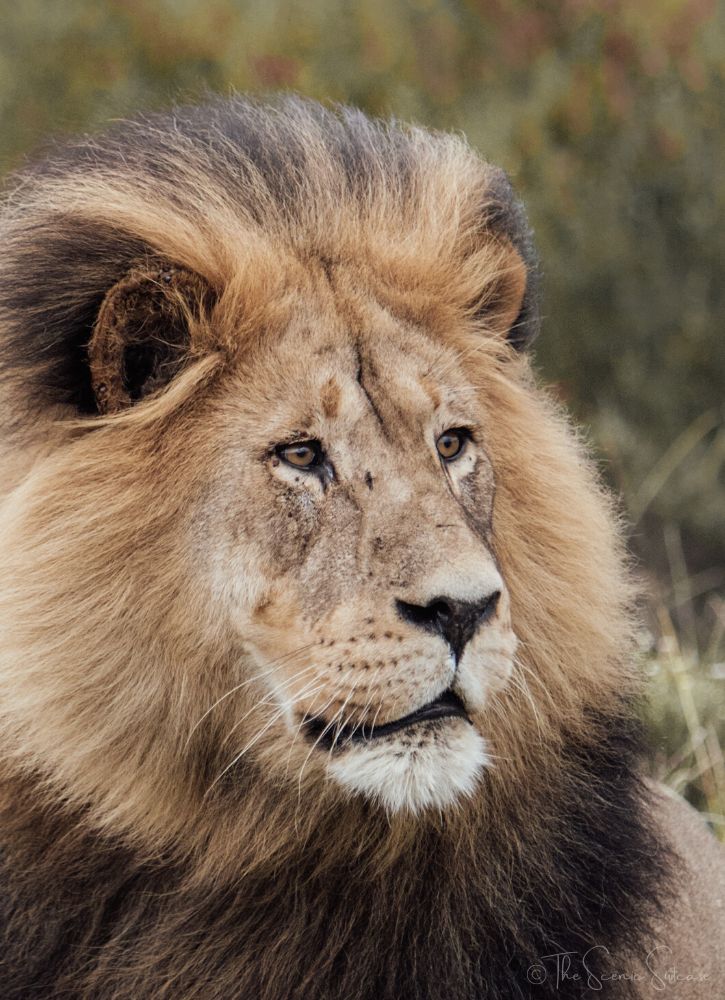
In the examples below, you can see how I took this image of a lion’s face and transformed it using various artistic touches.
I hope these mobile photography tips will help you improve your images as much as they’ve helped me. Like everything else, I’m still working to hone my skills. But, the journey is half the fun, right? And I, for one, am enjoying every minute of it!
Do you have any mobile photography tips? I’d love to hear them!
You May Also Like:
» Absolute Must-Have Mobile Photography Apps
» Incredible Tips From Expert Photographers
» 8 Tips For Travel Selfies That Don’t Suck


Leave a Reply